Page 1 of 2
Replacing Photobucket pictures
Posted: Mon Aug 14, 2017 8:20 pm
by johno
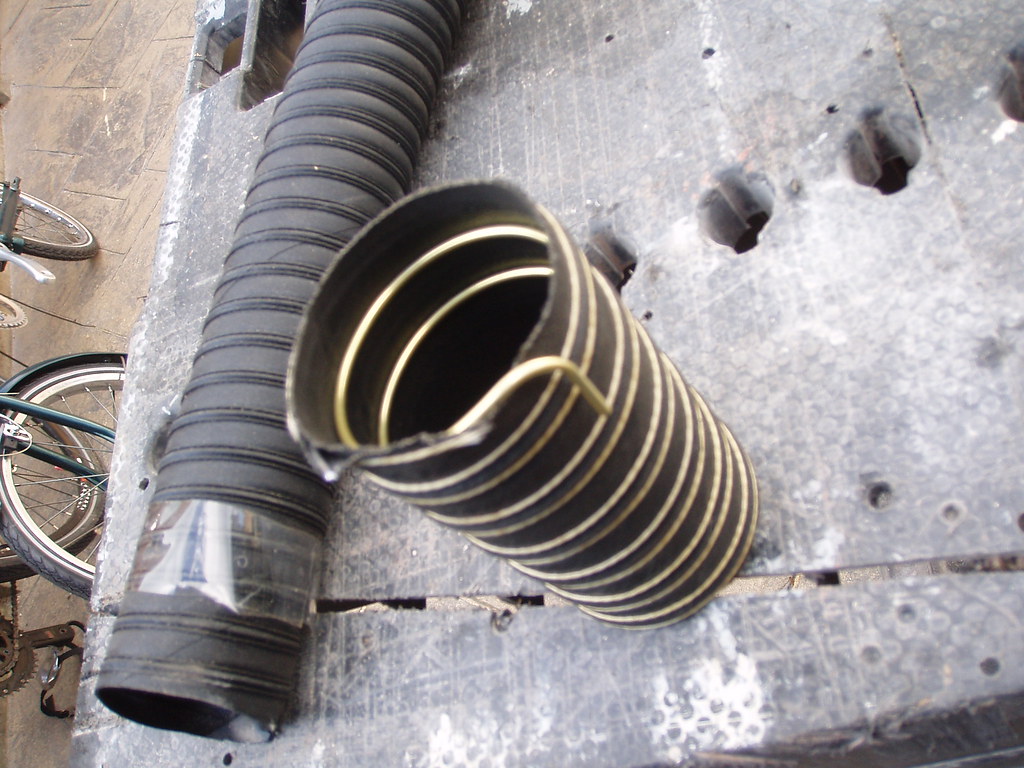
With Photoucket having disrupted the whole concept of sharing pictures onto forums I thought I'd try to find an alternative which works. The two images below are from my Flickr account and pasted as follows.
from Flickr
Open a Flickr account and upload your pictures. Select the picture you want to share and open it in your account (view full size) Click the select box under the picture, right click on the picture and 'copy image location.
On this forum in the 'topic box' (the one you type in) click the Img icon and paste the url of your pictue between the

A mamoth task for some, but worth doing to preserve the wealth of technical info and other features on the forum.
Re: Replacing Photobucket pictures
Posted: Thu Aug 24, 2017 8:05 pm
by Stuart
Pinched from another forum
Try this if you use Chrome. I've just followed these instruction and all the photobucket "upgrade" invisible image placeholders have gone back to images again, other than where folks have deleted their PB accounts!
Open Chrome
Click on the rows of small horizontal lines located in the top right hand corner or the white on orange up arrow top right if you have a later version of Chrome
Then click on "more tools"
Then on "Extensions"
Then "Get more extensions" if you already have some, e.g. Ad Block.
Type in "Photobucket embed fix" and hit the return key
A link to "Photobucket embed fix" extension should appear. Click on it and you are done.
Re: Replacing Photobucket pictures
Posted: Fri Jan 19, 2018 8:28 pm
by johno
Photobucket image problem. There is now an 'add-on' for Firefox users.
https://addons.mozilla.org/en-US/firefo ... ucket-fix/
seems to work fine.
Re: Replacing Photobucket pictures
Posted: Sun Jan 21, 2018 8:04 pm
by Jin
Stuart wrote:Pinched from another forum
Try this if you use Chrome. I've just followed these instruction and all the photobucket "upgrade" invisible image placeholders have gone back to images again, other than where folks have deleted their PB accounts!
Open Chrome
Click on the rows of small horizontal lines located in the top right hand corner or the white on orange up arrow top right if you have a later version of Chrome
Then click on "more tools"
Then on "Extensions"
Then "Get more extensions" if you already have some, e.g. Ad Block.
Type in "Photobucket embed fix" and hit the return key
A link to "Photobucket embed fix" extension should appear. Click on it and you are done.
Does that work?
Re: Replacing Photobucket pictures
Posted: Sun Jan 21, 2018 9:47 pm
by Geoff Butcher
I've got the Firefox addon and my avatar has reappeared
Re: Replacing Photobucket pictures
Posted: Mon Jan 22, 2018 7:42 pm
by Alan D.
johno wrote:With Photoucket having disrupted the whole concept of sharing pictures onto forums I thought I'd try to find an alternative which works. The two images below are from my Flickr account and pasted as follows.
from Flickr
Open a Flickr account and upload your pictures. Select the picture you want to share and open it in your account (view full size) Click the select box under the picture, right click on the picture and 'copy image location.
On this forum in the 'topic box' (the one you type in) click the Img icon and paste the url of your pictue between the
A mamoth task for some, but worth doing to preserve the wealth of technical info and other features on the forum.
Hi thanks for this,
I've opened Flickr and clicked on a picture, but cannot find the select box. Can anyone advise me.
Regards Alan
Re: Replacing Photobucket pictures
Posted: Mon Jan 22, 2018 8:08 pm
by Jin
Geoff Butcher wrote:I've got the Firefox addon and my avatar has reappeared
Not for me it hasn't
Re: Replacing Photobucket pictures
Posted: Mon Jan 22, 2018 9:59 pm
by Stuart
Alan D. wrote:
Hi thanks for this,
I've opened Flickr and clicked on a picture, but cannot find the select box. Can anyone advise me.
Regards Alan
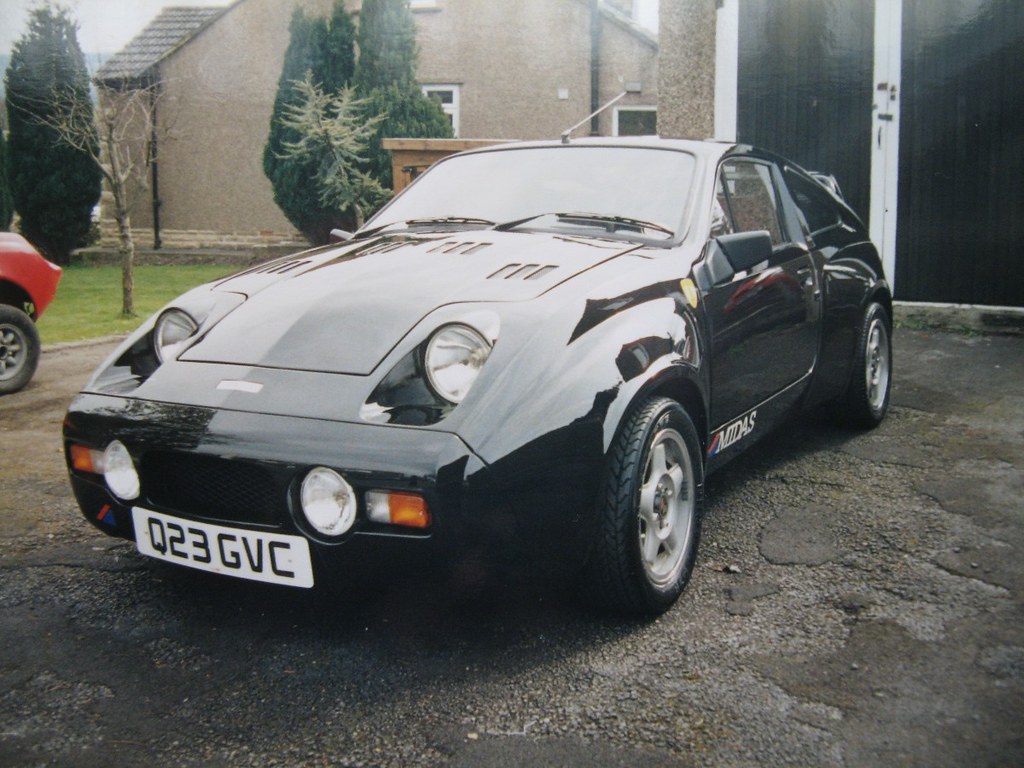
If you click the curved arrow bottom right next to photo, then copy BBCode url, then just paste here without using the image box here
 q23 front
 by
Artstu2, on Flickr
Re: Replacing Photobucket pictures
Posted: Mon Jan 22, 2018 11:00 pm
by Geoff Butcher
I tried that but all I got was the link, not the photo.
Re: Replacing Photobucket pictures
Posted: Mon Jan 22, 2018 11:04 pm
by Stuart
Jin wrote:
Does that work?
Not sure to be honest, some show some don't.